
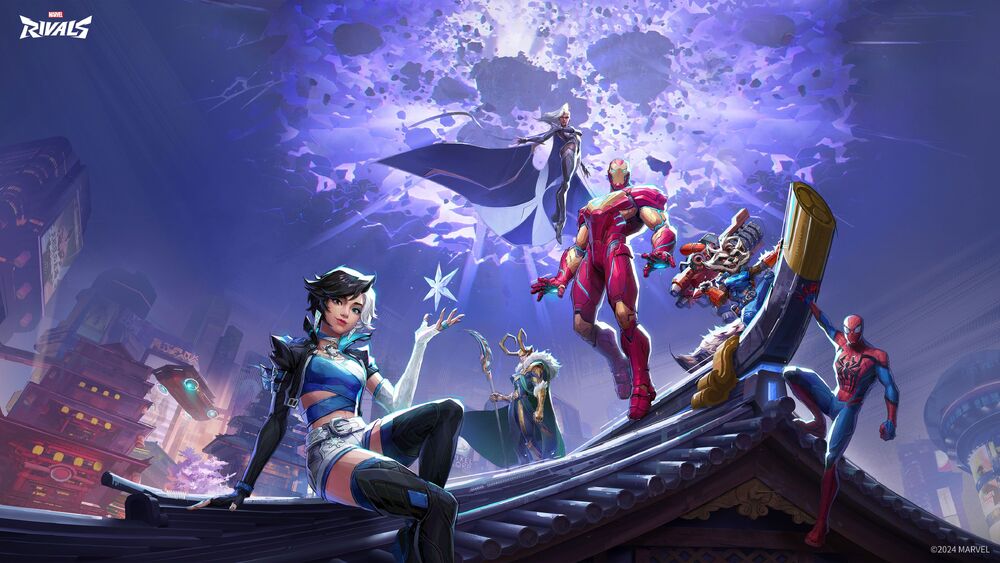
Can you play Marvel Rivals on Mac? While Marvel Rivals does not offer native support for macOS, dedicated Mac users have discovered effective methods to run this thrilling 6v6 team shooter on their Apple devices. If you’ve been eager to join the action-packed battles between iconic Marvel heroes and villains but are limited to a Mac, you’ll find that with the right tools, you can experience Marvel Rivals without needing a Windows PC. This article provides an evergreen, comprehensive guide for Mac gamers to jump into Marvel Rivals, covering reliable workarounds, performance advice, and FAQs to ensure you sidestep frustration and maximize your enjoyment.
How Marvel Rivals Works on Mac: The Big Picture
Marvel Rivals was designed primarily for Windows PCs, PlayStation 5, and Xbox Series X/S, leaving Mac gamers looking for alternative routes to play. The game’s developer, NetEase, has not announced native macOS support, so direct installation isn’t possible. However, the thriving Mac gaming community has developed creative solutions to bridge this gap. The most popular and consistent method is running Marvel Rivals via CrossOver, a sophisticated emulator that creates a Windows-like environment within macOS, making PC-only games playable on Apple hardware. Other alternatives, like cloud gaming, also exist but come with distinct considerations regarding internet stability and latency.
Setting Up Marvel Rivals on Mac with CrossOver
CrossOver stands out as the most accessible and efficient way to play Marvel Rivals on Mac. Developed by CodeWeavers, CrossOver leverages the open-source Wine project to enable Windows applications to run seamlessly on macOS without the need to install Windows itself.
- Download CrossOver: Get the latest version from the official CrossOver website or the developer, CodeWeavers.
- Install and Set Up: Follow on-screen prompts to install CrossOver. Once launched, create a new Windows 10(64-bit) bottle for running Marvel Rivals.
- Obtain Marvel Rivals: Download the Windows installer (from official sources or reputable storefronts like Steam) within your CrossOver environment.
- Run and Play: After installation, launch Marvel Rivals from within CrossOver. Performance will depend on your Mac’s specifications and the emulator setup.
For a step-by-step visual walk-through, check out the above YouTube video that details installing Marvel Rivals via CrossOver on a Mac.
Performance and System Requirements: What Should Mac Gamers Expect?
Playing Marvel Rivals on a Mac means you’re not using the game’s native environment, so performance hinges on both your Mac’s hardware and how efficiently CrossOver handles the translation process.
Recommended Mac Configurations for Marvel Rivals
- Processor: M1, M2, or M4 Apple Silicon chip for best results (older Intel-based Macs may suffer dramatically reduced performance)
- RAM: At least 16 GB; more is better, especially for smoother gameplay in large-scale battles
- Graphics: Integrated Apple GPU provides solid results, with M4 Pro models reaching up to 80 FPS on low settings
- Storage: Ensure a minimum of 70 GB of free space for installation and optimal operation
- macOS Version: Latest macOS version supported by CrossOver
Tests on higher-end M4 Pro Macs show the game running at roughly 80 FPS with reduced graphics settings but dropping to about 30 FPS during graphically intense moments. Models with only 16 GB RAM (such as the M4 Mac Mini) handle the game acceptably on low settings with frame rates around 35 FPS, though dips occur during combat-heavy scenes. These results mean Marvel Rivals is very playable, but serious competitors or those seeking the ultimate competitive edge may still prefer a native PC or console for maximum frame rates and graphical fidelity.
Performance tips and real-world testing are explored in depth in the above YouTube video, which highlights how different Mac configurations handle the game.
Optimization Tips for Better Gameplay
Once Marvel Rivals is set up on your Mac, a few tweaks can greatly enhance your experience:
- Lower in-game graphics settings: Reducing texture quality, shadows, and resolution can dramatically improve frame rates without significantly impacting playability.
- Close the launcher after starting: Keeping the game launcher running in the background can consume valuable resources. Once the game has launched, close the launcher to free up RAM and processing power.
- Monitor resource usage: Use macOS’s Activity Monitor to ensure you are not running out of RAM, which can cause lag spikes or crashes.
- Keep CrossOver updated: New versions often feature performance improvements and better compatibility.
Applying these optimization steps can give you the smoothest Marvel Rivals gameplay possible on Mac hardware.
Alternative: Cloud Gaming Solutions
If emulation isn’t delivering the performance you desire, or you’re on an older Mac, cloud gaming providers are a worthwhile consideration. Cloud gaming streams Marvel Rivals from powerful remote servers directly to your device, bypassing many hardware limitations and enabling decent play even on less capable Macs. Providers like NVIDIA GeForce NOW support a diverse library (though availability of Marvel Rivals may vary, so check frequently), and other services may offer temporary or permanent access as the game’s popularity evolves.
Native Mac Support: What Does the Future Hold?
As of now, there is no official announcement from NetEase or any trusted source regarding native macOS support for Marvel Rivals. Historically, many AAA online shooters have eventually added Mac versions or enabled broader compatibility through updates or services, so it is always worth keeping an eye on the official Marvel Rivals Hub for future news and developments.
This video further explores current workarounds and expectations for Mac gamers who wish to enjoy Marvel Rivals.
FAQ: Marvel Rivals on Mac
Is Marvel Rivals officially available for Mac?
No, Marvel Rivals does not offer a native macOS version. The game is officially available on Windows PC, PlayStation 5, and Xbox Series X/S. Mac gamers must use workarounds like CrossOver or cloud gaming to play.
Will Marvel Rivals run on older Intel-based Macs?
While technically possible, performance on Intel-based Macs is notably worse than Apple Silicon models. The lack of recent GPU drivers and less efficient architecture typically results in low frame rates and stability issues. For best results, use an M1, M2, or M4 Apple Silicon Mac.
Are there any risks using CrossOver or emulators to play Marvel Rivals?
Using CrossOver is generally safe and does not void warranties, but as with any third-party tool, there is a slight risk of encountering software bugs or crashes. Always download CrossOver from reputable sources and back up your data regularly.
Do I need a Windows license to use CrossOver?
No, CrossOver does not require a Windows license, as it emulates the necessary Windows environment directly within macOS. This makes it a simpler and more cost-effective option compared to dual-boot or virtual machine solutions.
Is online play and matchmaking reliable when running Marvel Rivals on a Mac?
Yes, once installed, Marvel Rivals typically connects to online servers as it would on a Windows PC. However, occasional compatibility issues may arise, and you may not receive technical support from the official developer if you encounter problems using a non-supported OS.
Will a native Mac version ever be released?
There is no official information regarding a native Mac release. However, player demand may influence future updates. Monitor announcements from Marvel Rivals developers and check community hubs for the latest news.
Are YouTube tutorials helpful for Mac players?
Absolutely. YouTube is full of step-by-step guides showcasing installation and optimization for different Mac models. You can find helpful content like the following:
- Marvel Rivals on Mac M1, M2, M4 – Step by Step Tutorial
- Performance Testing Marvel Rivals on Apple Silicon
- How to Play Marvel Rivals on Any Mac
These resources are invaluable for visual learners and those encountering issues during installation or gameplay.
Unlock Marvel Heroics on Mac Today
While Marvel Rivals doesn’t offer a seamless, “by the book” Mac experience, the determination of the Mac gaming community means you are not left out of the fun. With CrossOver or cloud gaming, you can join the super-powered fray, sharpen your skills, and enjoy the latest team action Marvel has to offer, all on your Mac. For the latest updates, guides, and player community support, bookmark Marvel Rivals Hub and stay in the loop for new methods and announcements.